
Watch Anywhere: All the Ways to View Our Sea Kayaking Courses
Oct 31, 2026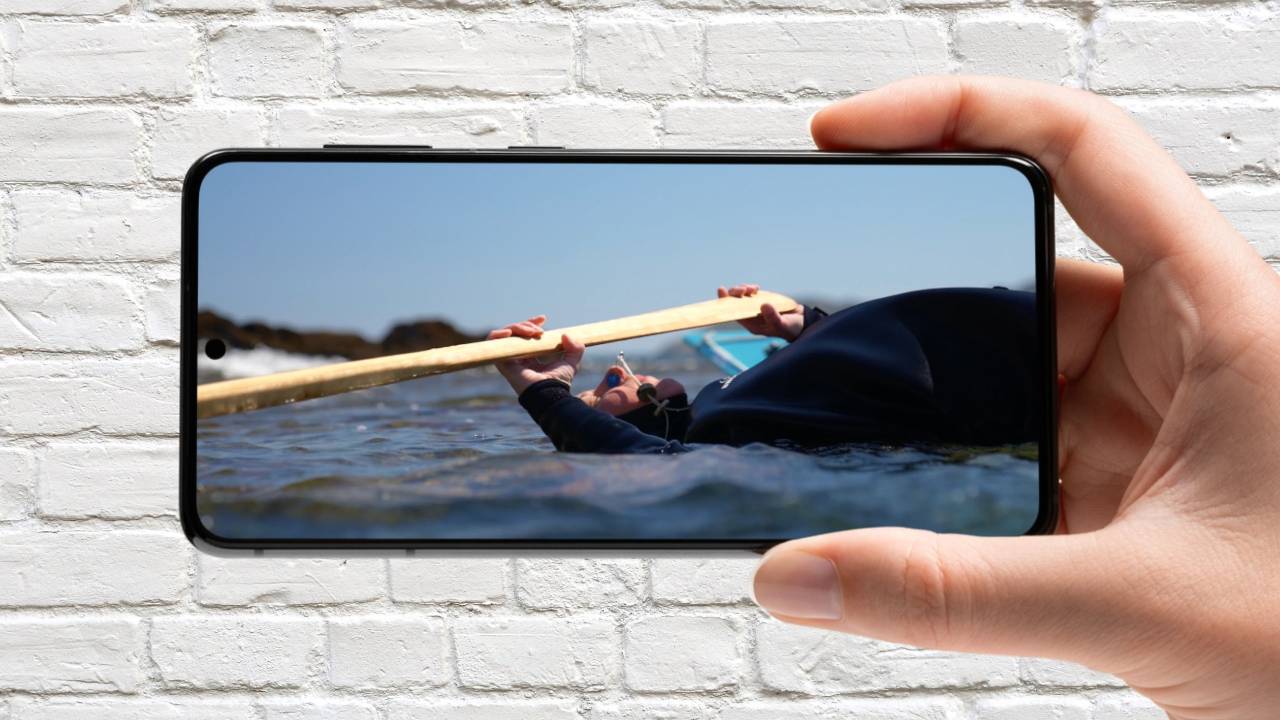
Whether you're planning your next trip on the sofa, brushing up on a skill over lunch, or sitting down for a proper evening session on the big screen, our courses are ready when you are.
We've filmed every Online Sea Kayaking course to the highest possible standard, so the lessons are as enjoyable to watch as they are useful. Our aim is simple: we want you to finish a video feeling inspired and itching to get out on the water. To help you get the most from the content, here's a quick guide to all the ways you can watch.
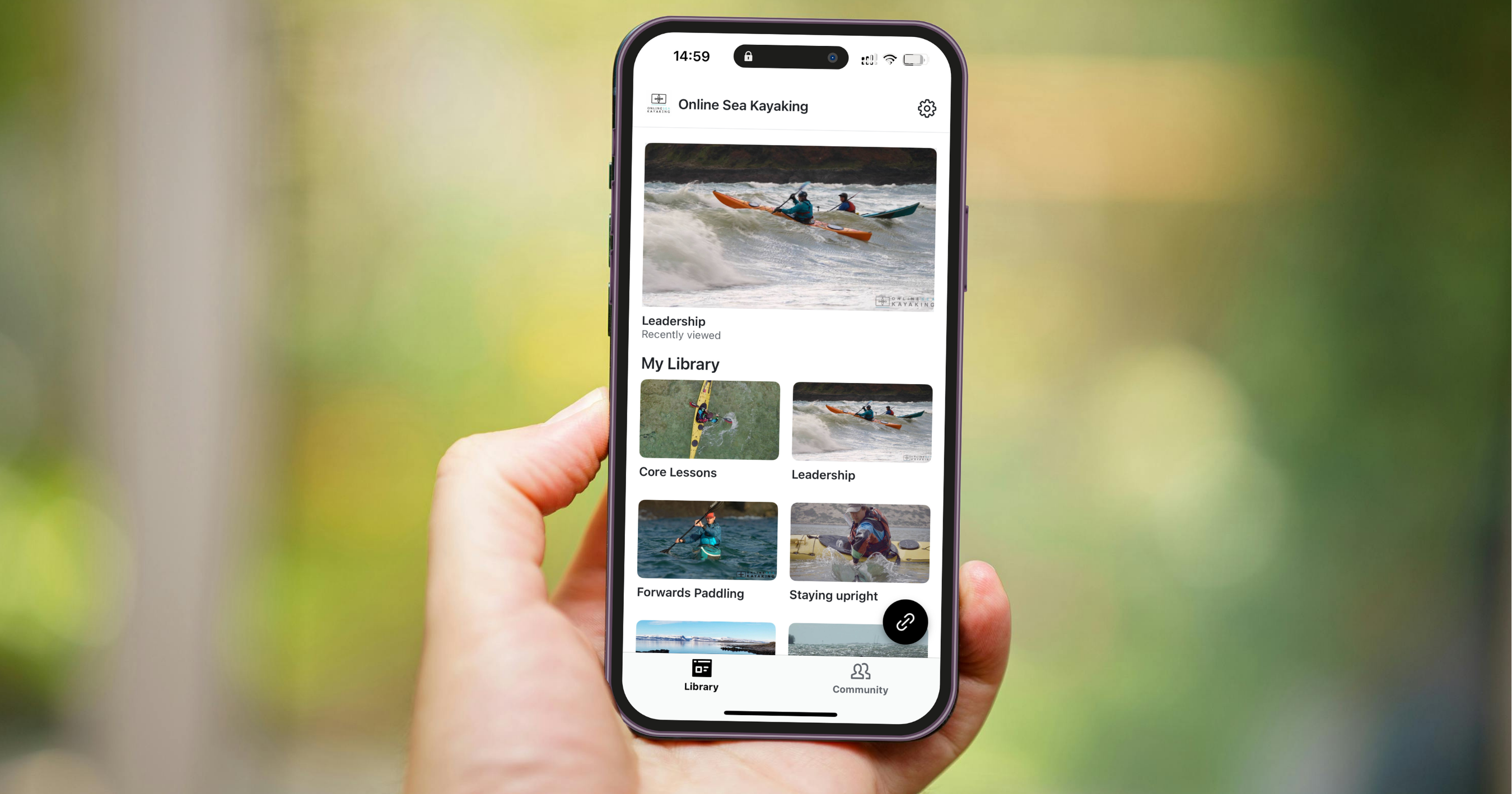
On the go with our mobile app
The easiest way to keep your learning in your pocket is our own Online Sea Kayaking app, available on the Apple App Store for iPhone and iPad and on Google Play for Android devices.
Download either the dedicated OSK app, or the Kajabi app and log in with your subscription login details. Everything is in one place: all of the courses, plus our community, so you can watch a lesson and then jump straight into a conversation about it.
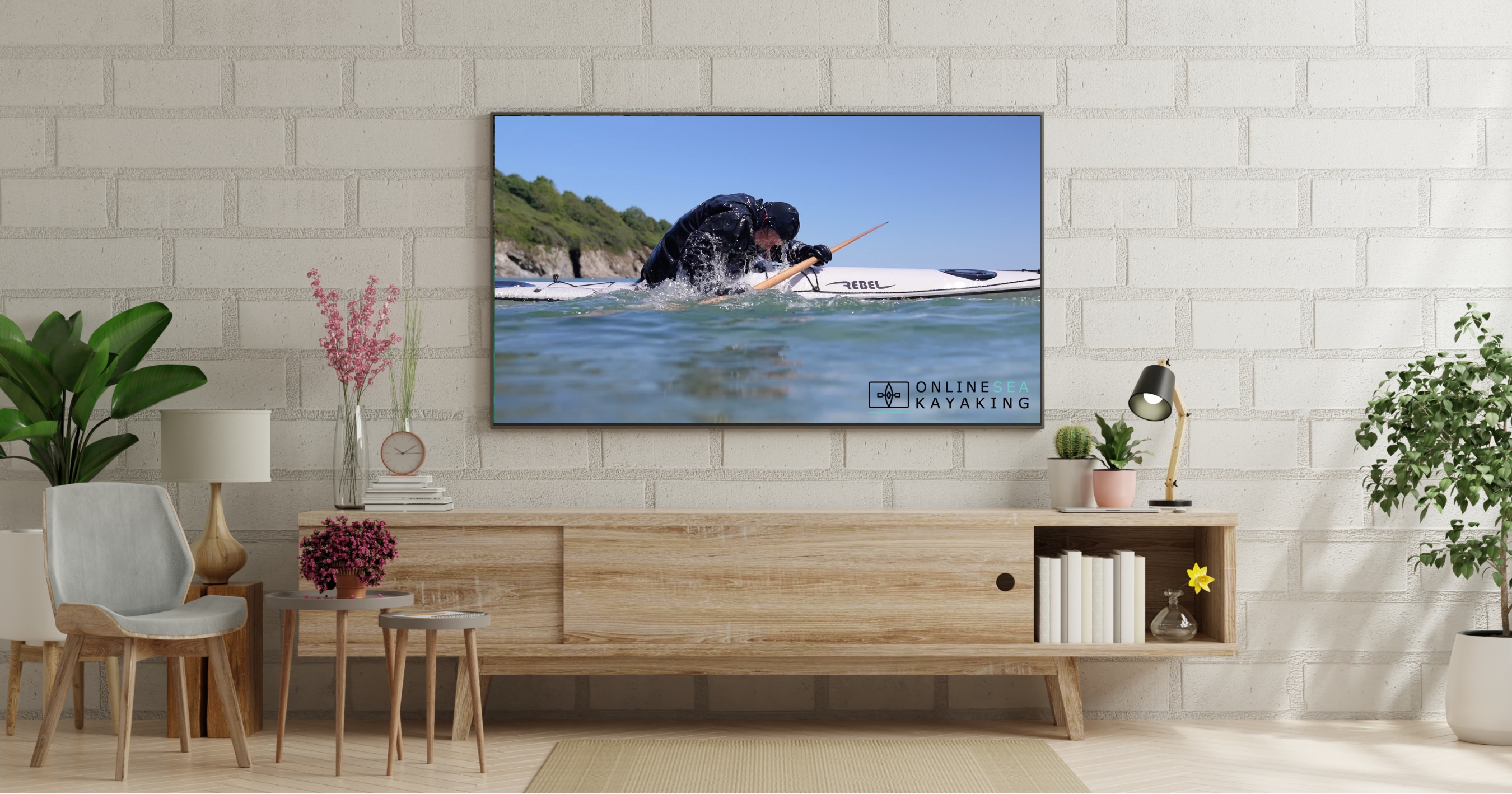
On the big screen with your smart TV
Sea kayaking footage really comes into its own on a large screen, and there are several ways to get our courses onto your TV:
- Tap the cast button in the Online Sea Kayaking app
- Use screen mirroring from your phone, tablet or computer
- Stream with Apple AirPlay
- Use a Chromecast
- Log in through your TV's own web browser
Every device is a little different, so it may take a minute to get things linked up the first time. Once you're connected, you'll see every detail of the paddle strokes, the boat handling and the coastline in full.
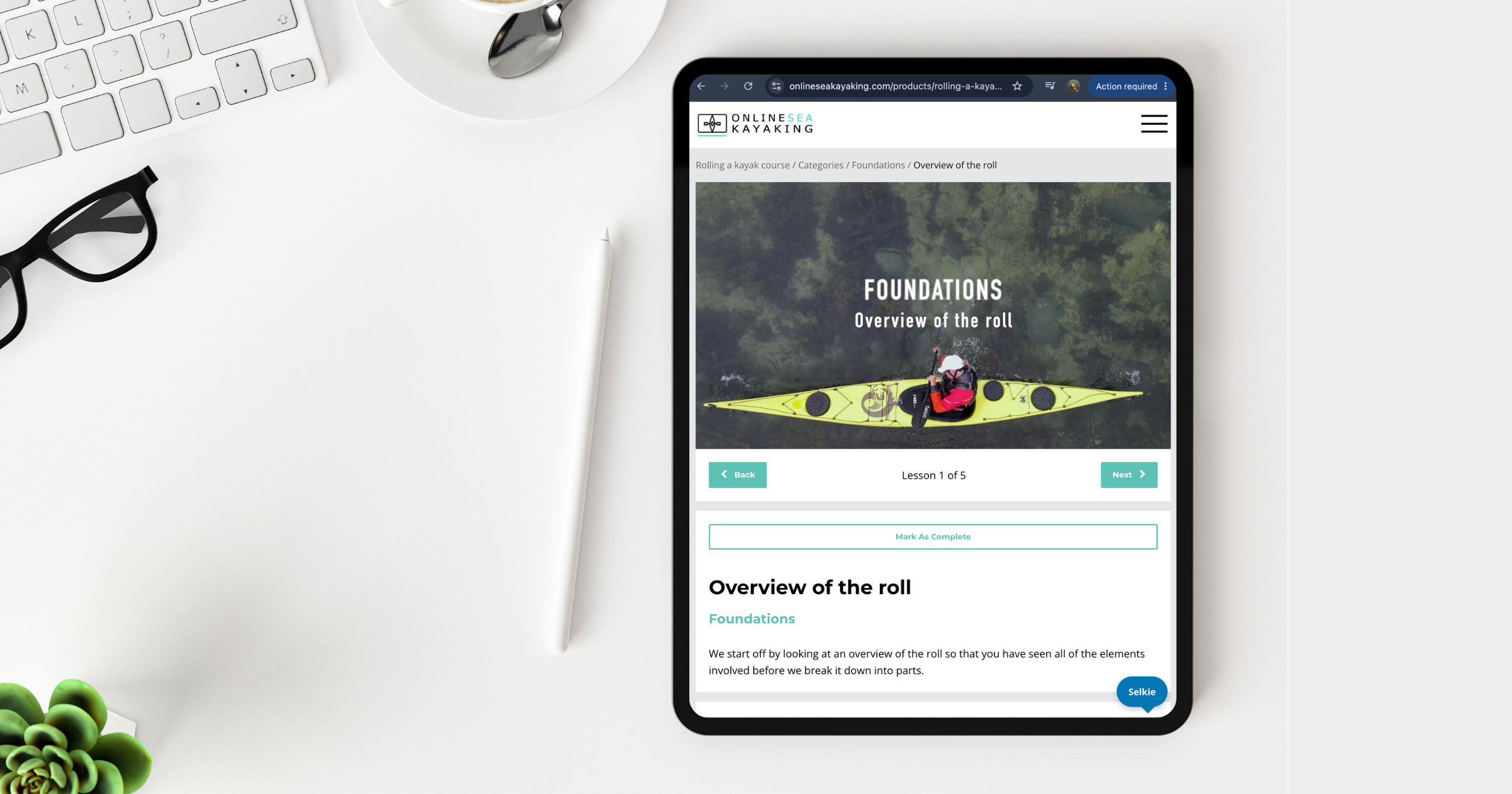
In the browser on your phone or tablet
Prefer not to download an app? No problem. Our website adapts to any screen size, so you can simply log in through the browser on your phone or tablet and start watching.
All of our content is filmed in Full HD or 4K, and our video hosting system automatically delivers each video at the right size for your device and internet connection. That means smooth playback whether you're on fast home Wi-Fi or a patchier signal at the campsite.
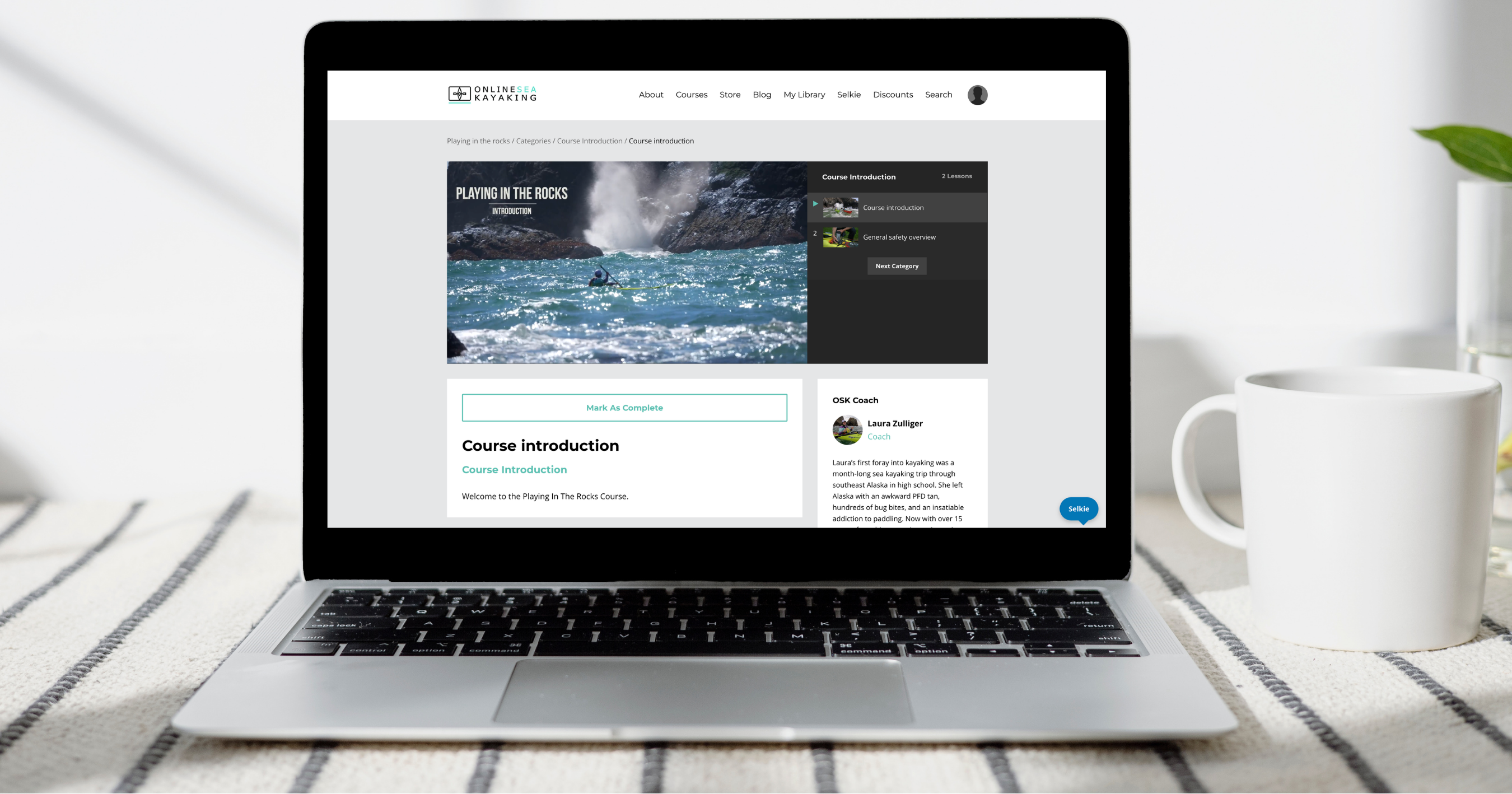
At your desk on a laptop or computer
If you've got a good screen on your laptop or desktop, logging in through your usual web browser works brilliantly. It's a great option for longer study sessions, when you want to pause, rewind and really break down a technique.
Pick up right where you left off
However you choose to watch, your progress is saved across all of your devices. Start a lesson on your phone during your commute, then finish it on the TV that evening.
Top tip: when you've finished watching a video, click the Completed button. It keeps track of how far you've got through each course, so you can always see what's next.
So sign up, grab a cuppa, pick your screen, and let's get you inspired for your next paddle.
Full access to the OSK Library of courses and content
Free 7 day trial
Access to the full OSK Library of courses + Community
Accelerate your skills development
Get unlimited support and feedback from the OSK Coaches
Increase your navigation and planning knowledge
Become a safer paddler
Get inspiration
Learn about kayaks and equipment
Interact with a growing community of paddlers
A whole year of learning for less than a day of on water coaching
